# doona lite
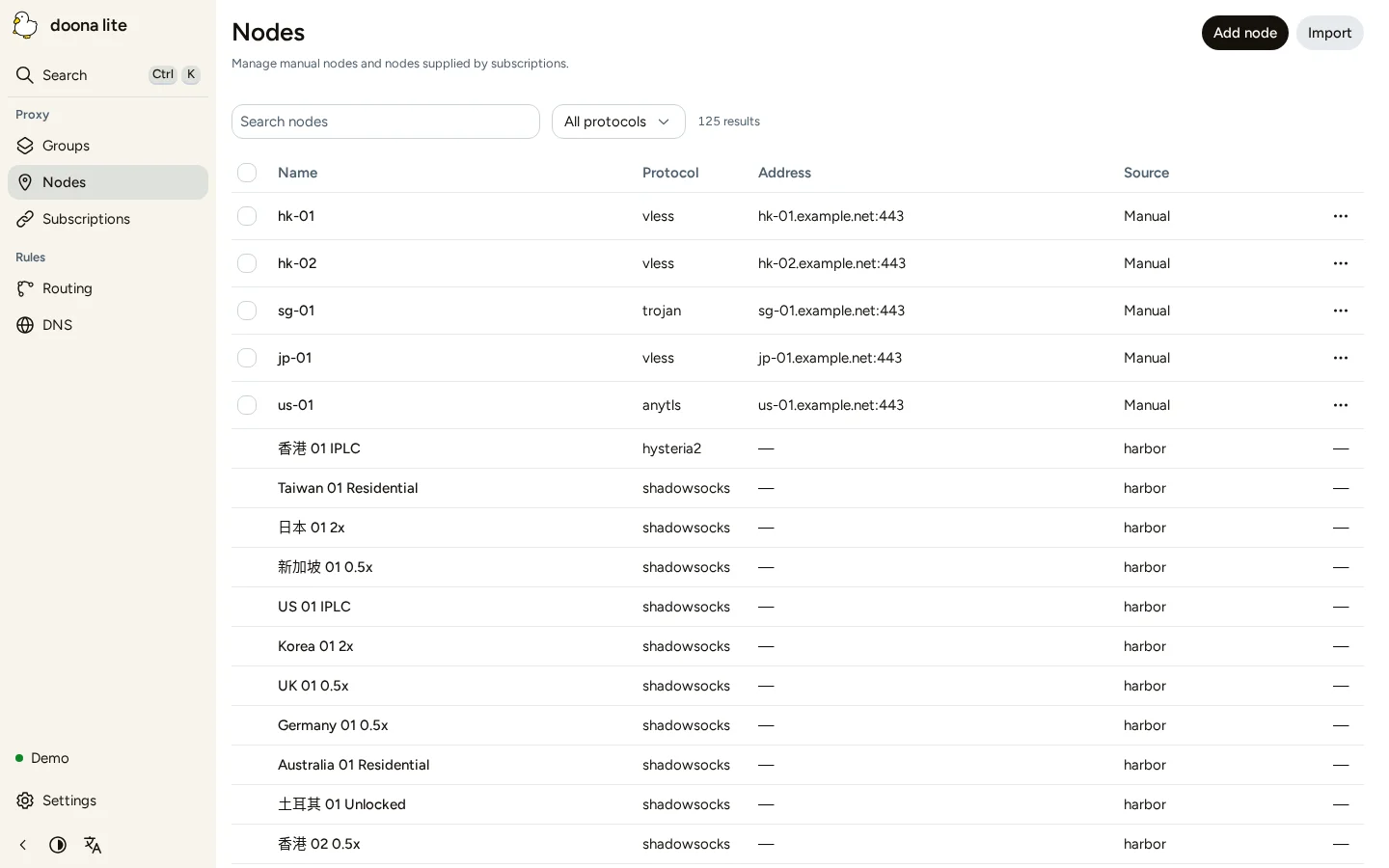
doona lite provides forms for common honk configuration tasks. It is a preview in testing; see the [edition comparison](https://doona.daeuniverse.org/en/editions.md) before choosing it for your gateway.
Use **Nodes**, **Subscriptions**, **Groups**, **Routing** and **DNS** to manage resources, and **Settings** for global settings. Begin with [Connect doona lite](https://doona.daeuniverse.org/en/lite-connect.md), then follow [Common tasks](https://doona.daeuniverse.org/en/lite-tasks.md).
## Install doona lite
1. Install a [compatible honk build](https://doona.daeuniverse.org/en/requirements.md#honk-version) and prepare its [minimal configuration](https://doona.daeuniverse.org/en/minimal-configuration.md).
2. In a writable download directory on the gateway, download and verify the archive. These commands use sudo; omit it in a root shell.
```sh
VERSION=0.1.0-rc.2
BASE=https://github.com/Zakkaus/doona/releases/download/v$VERSION
curl -fL -O "$BASE/doona-lite-${VERSION}.tar.gz" -O "$BASE/SHA256SUMS"
grep " doona-lite-${VERSION}.tar.gz\$" SHA256SUMS | sha256sum -c -
```
3. Continue only if the checksum reports `OK`. Extract the archive:
```sh
sudo install -d -m 0755 /usr/share/doona-lite
sudo tar -xzf "doona-lite-${VERSION}.tar.gz" -C /usr/share/doona-lite
ls -l /usr/share/doona-lite/index.html
```
4. Confirm that `index.html` exists. In the existing `experimental.native_api` block, set:
```dae
ui: '/usr/share/doona-lite'
```
5. Apply the [UI restart rule](https://doona.daeuniverse.org/en/what-doona-can-change.md#restart-native), using [Service management](https://doona.daeuniverse.org/en/service-management.md). Open honk's `/ui/` address and follow [Connect doona lite](https://doona.daeuniverse.org/en/lite-connect.md).
For the other API fields, use the [configuration reference](https://doona.daeuniverse.org/en/configuration.md).
## Switch to the standard edition
Follow [Install and switch editions](https://doona.daeuniverse.org/en/editions.md#editions-switch) to select the standard edition's files or embedded UI.